Smartphone
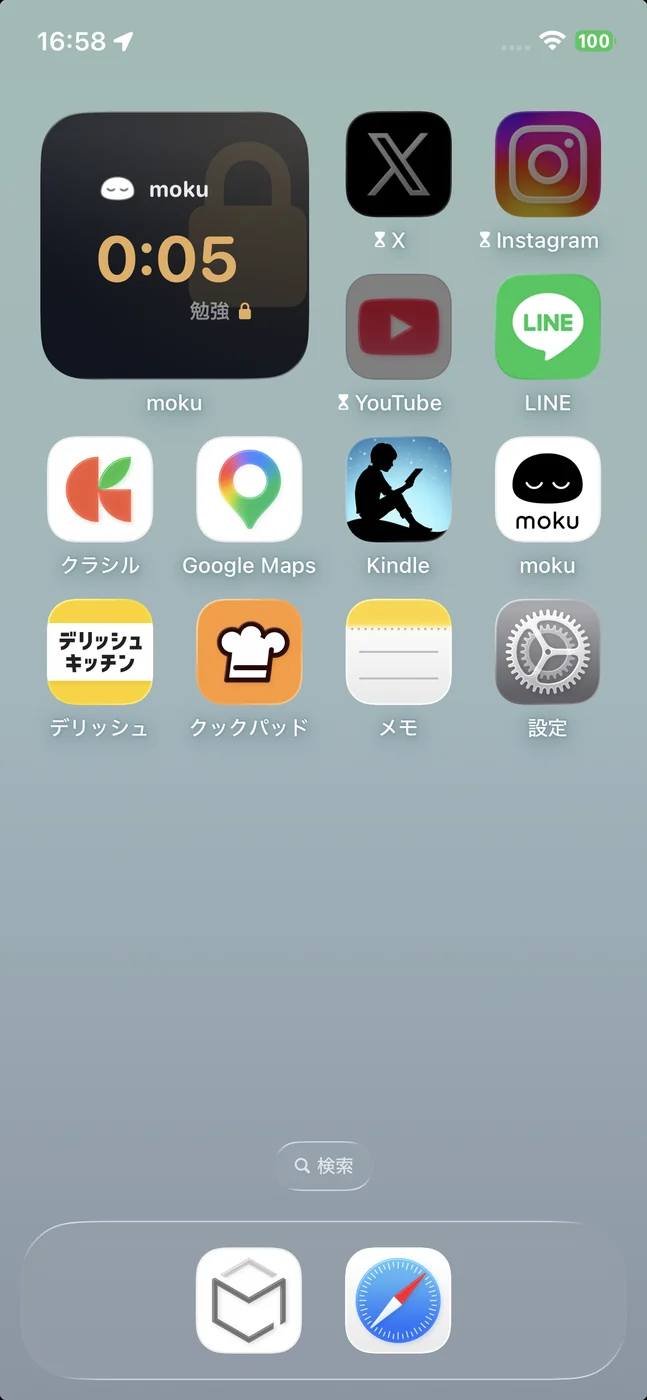
Lock distracting apps whenever you want to focus.
Make room for the things that matter to you.
Fewer distractions. More time for you.
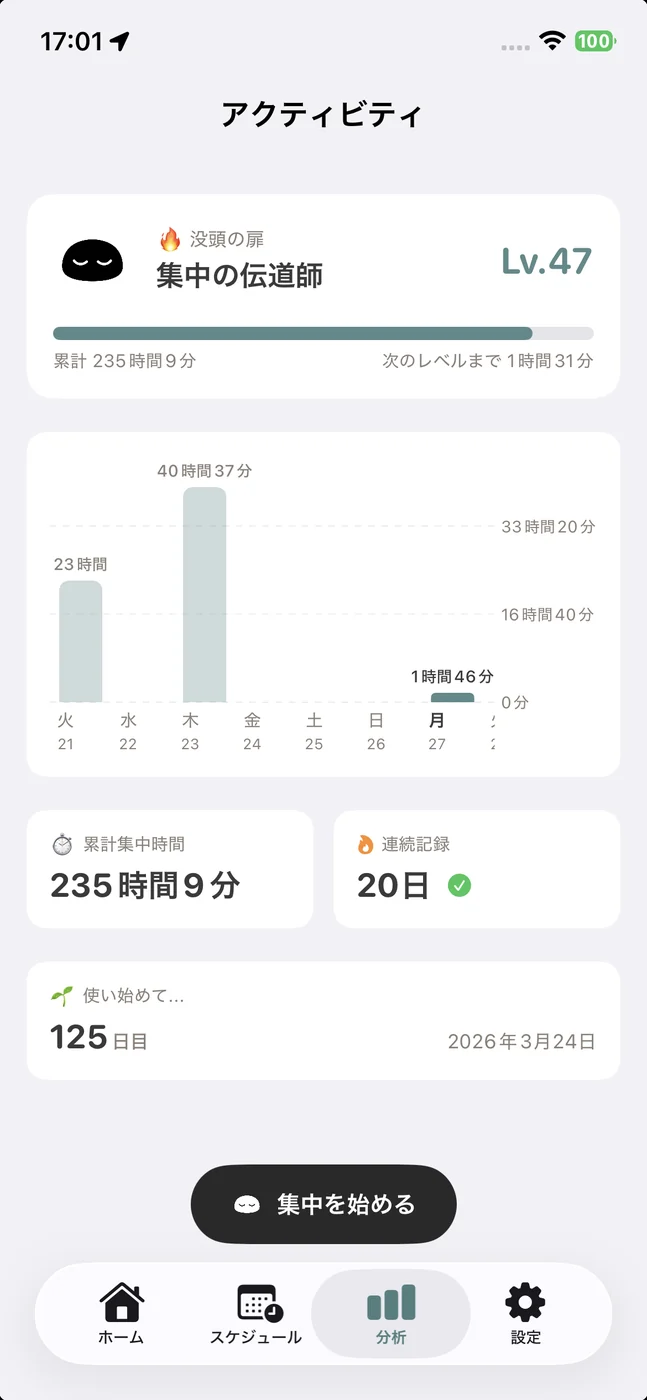

Three pages of a book. Thirty minutes on your phone. Something feels off.

“Just five minutes” turns into two hours. And your exam is tomorrow.

The phone you gave them to stay in touch has become a game console.
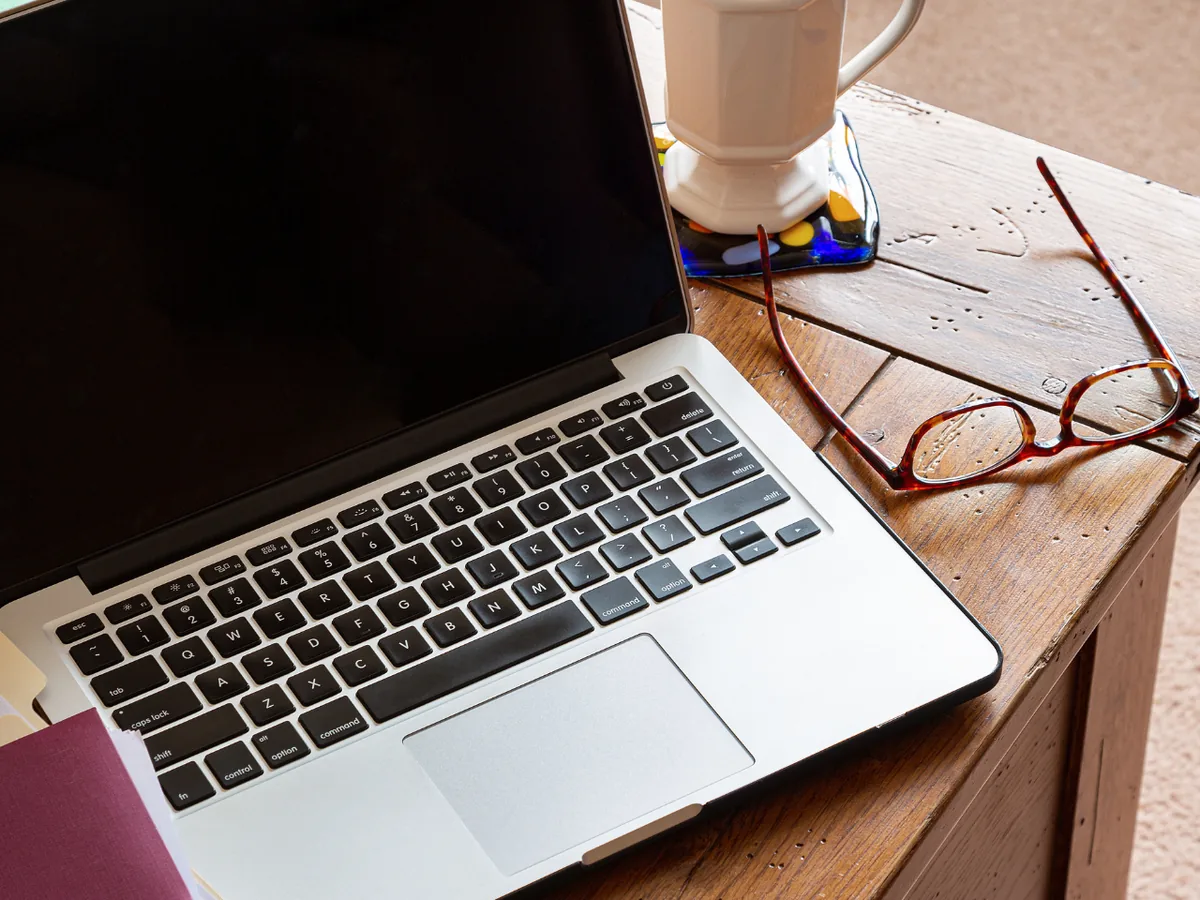
Nobody is watching. Your social feed is just a tap away.

“One more video” turns into midnight. You have an early start tomorrow.

One notification is all it takes to interrupt the conversation.

A quick scroll between sets becomes a fifteen-minute break.

It is your day off. Work notifications did not get the memo.
Choose the apps you want to use less, and lock them.
Focus on what is in front of you, without checking your phone.
Choose the apps you want to block, from social feeds to videos and games.
Tap start. Your selected apps are now blocked.
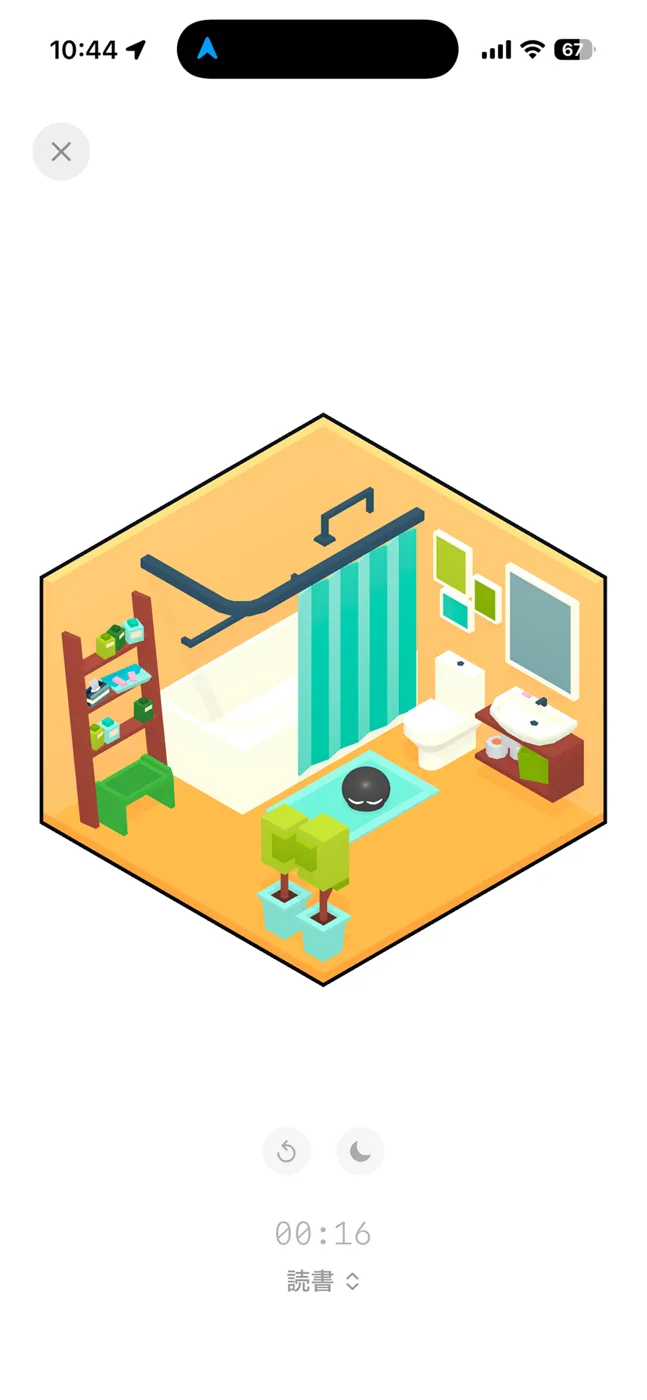
Put your phone down. Read, study or get on with your work.
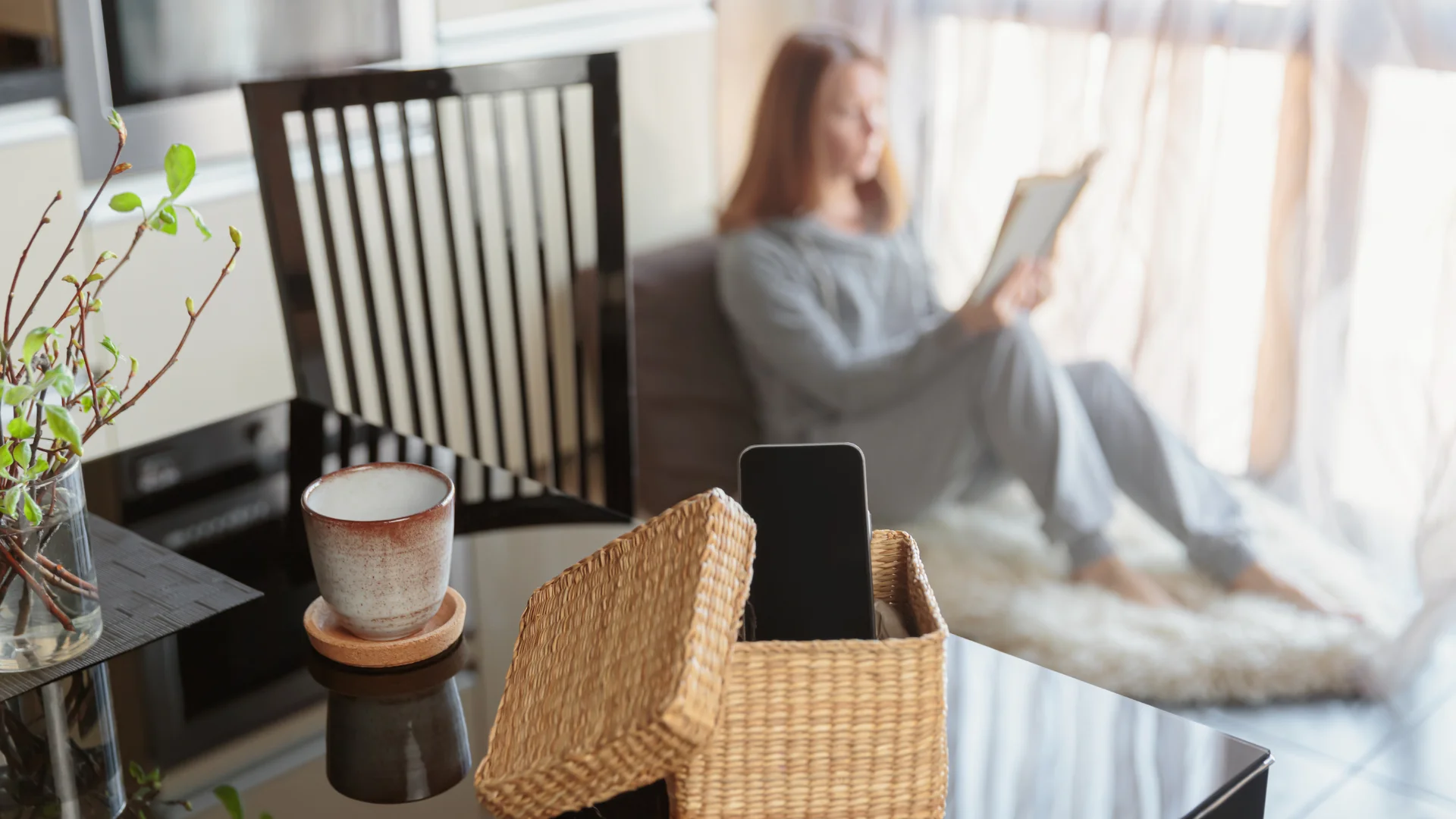
Arrive at your spot.
Your apps lock automatically.
Add your home, school or favorite café.
Your selected apps stay blocked while you are there.
When you leave, they become available again.
Featured in videos, articles and social posts.
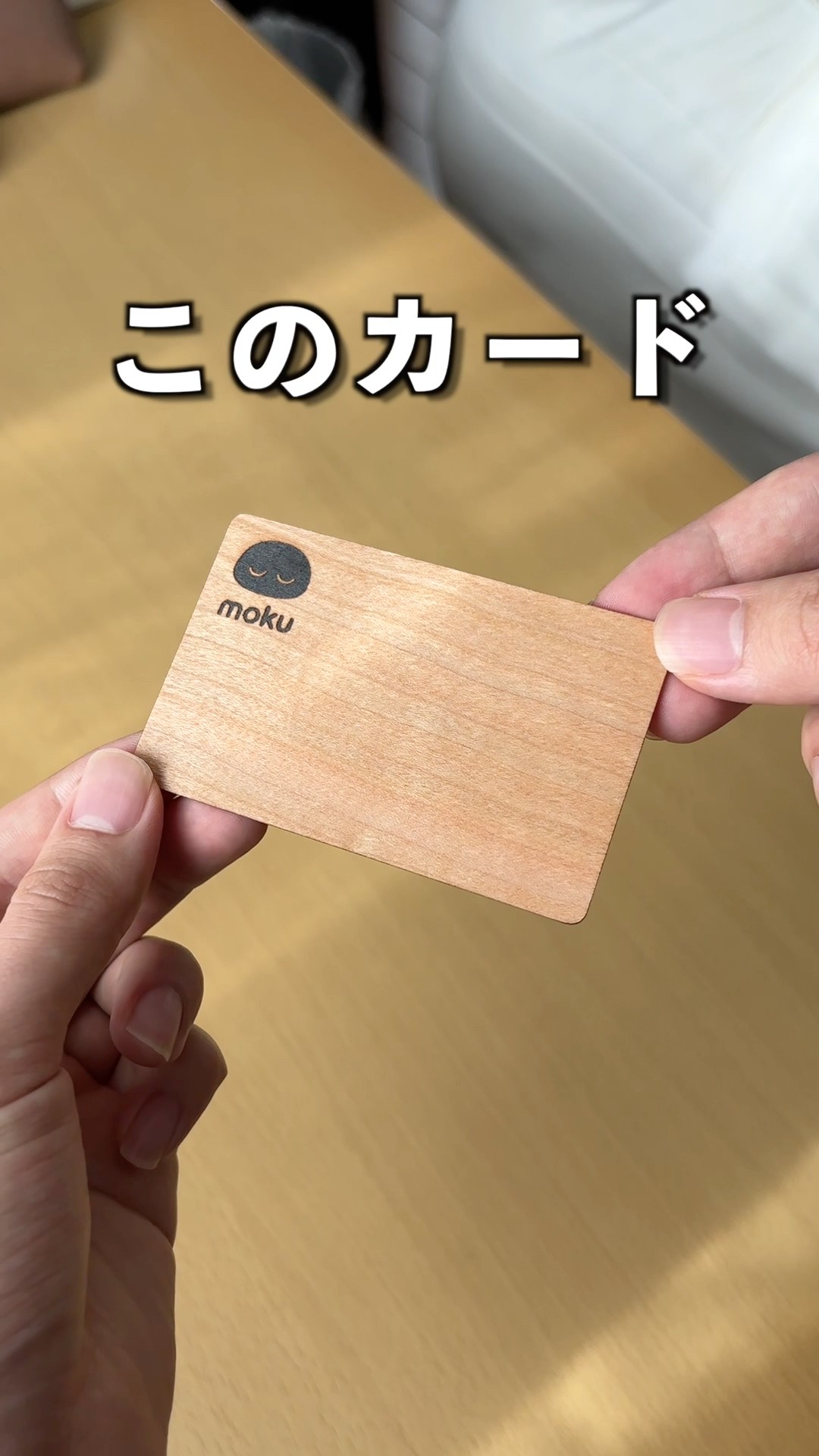


I was able to spend time out without using my phone (you can choose which apps to restrict).
You can use the app on its own, but having a physical card feels different.
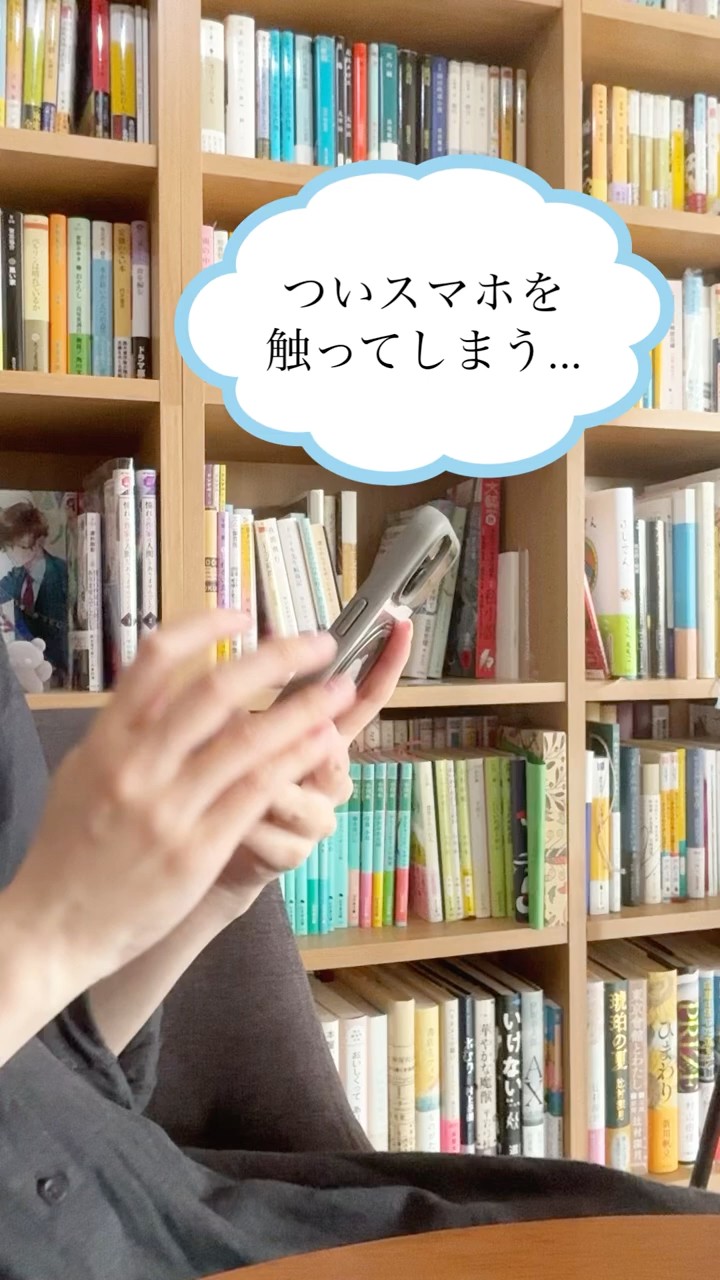
Adding just one extra step before opening social apps makes me check them much less.

Somehow it is October already (an everyday diary)

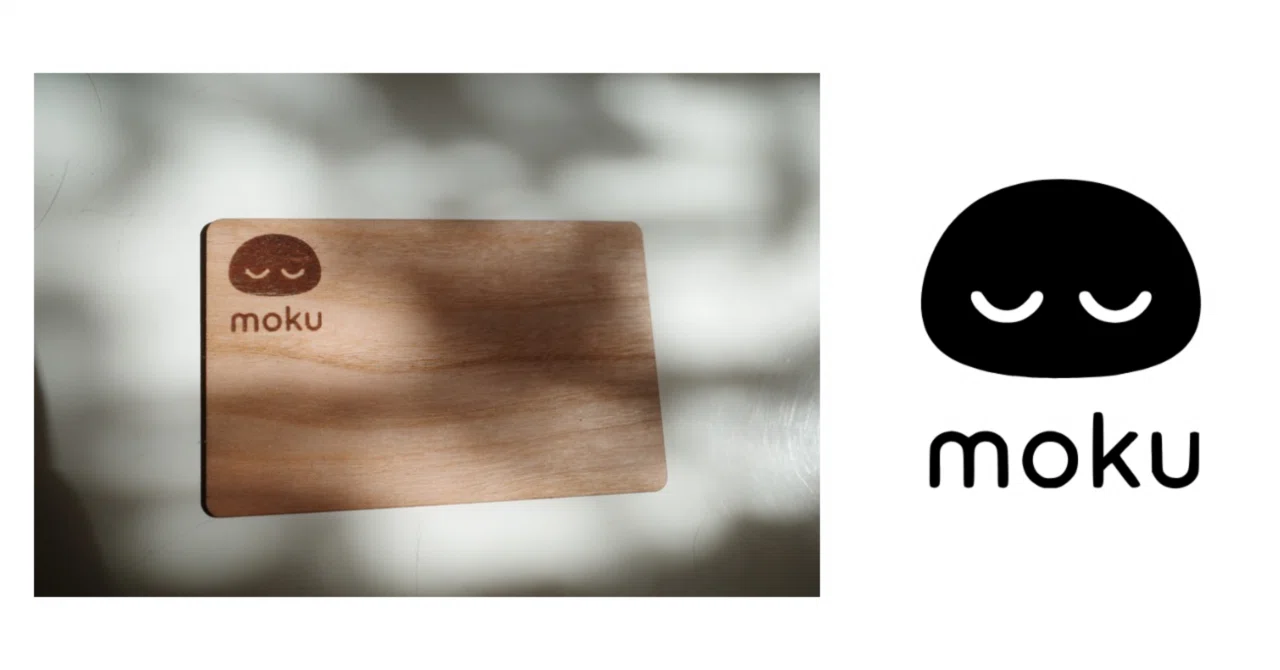
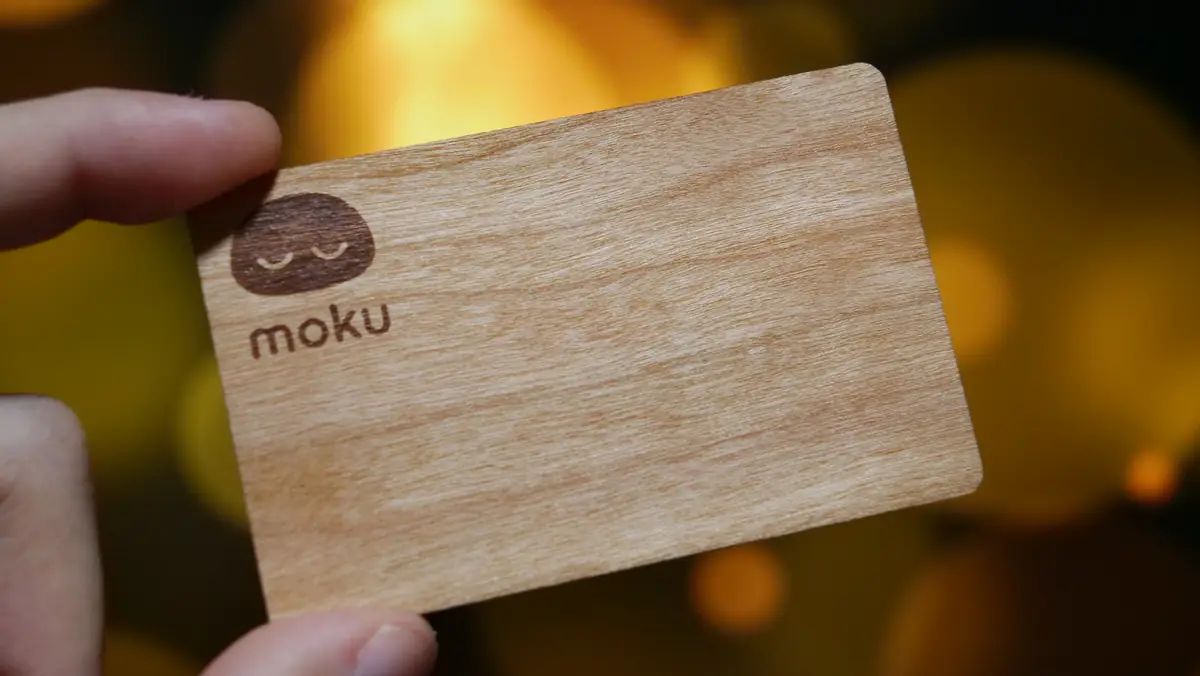
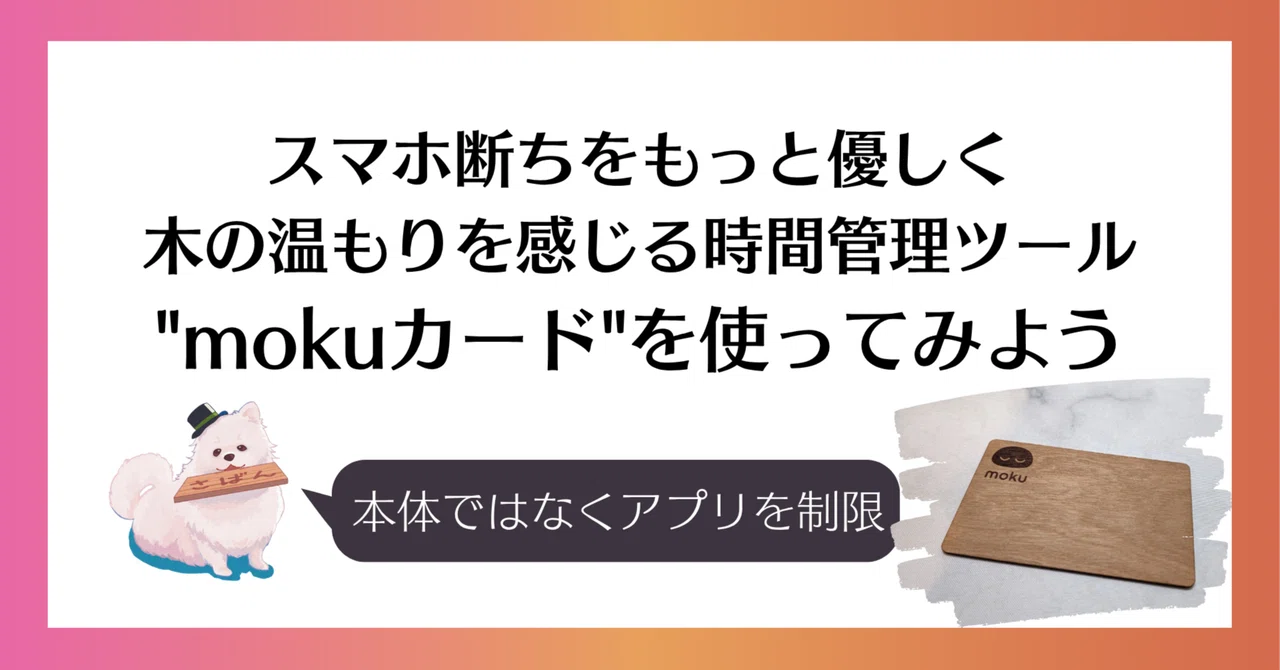
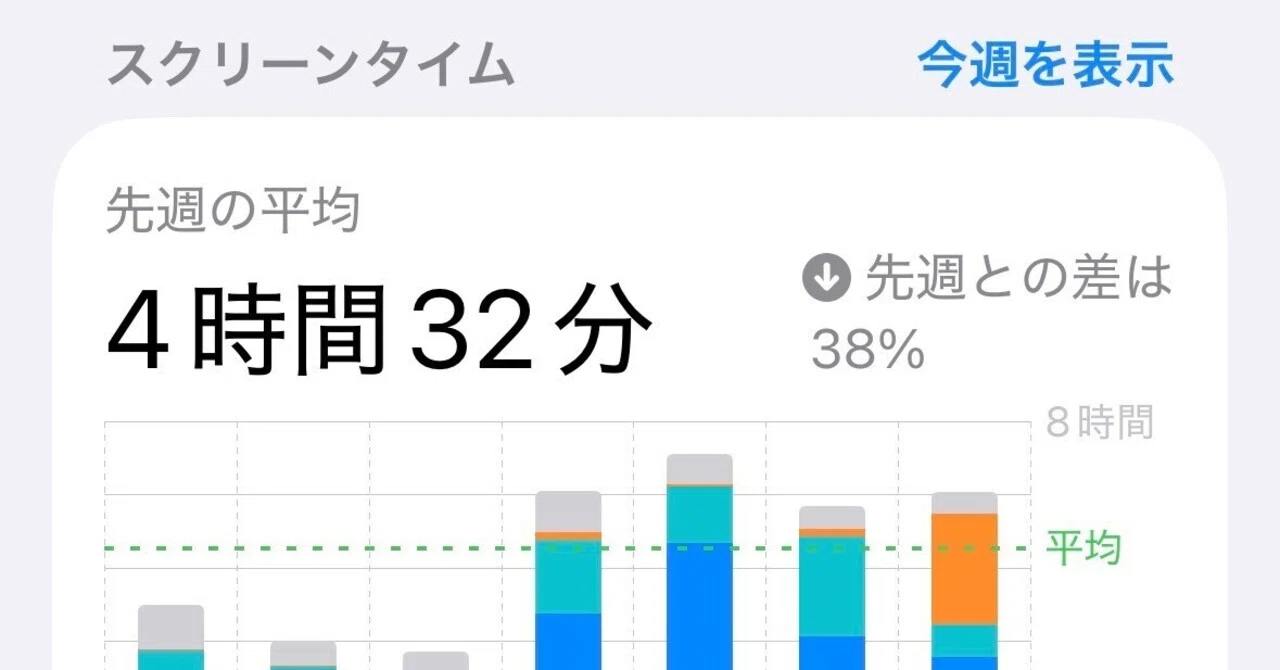

I thought leaving the card in another room might reduce how often I open social apps without thinking.

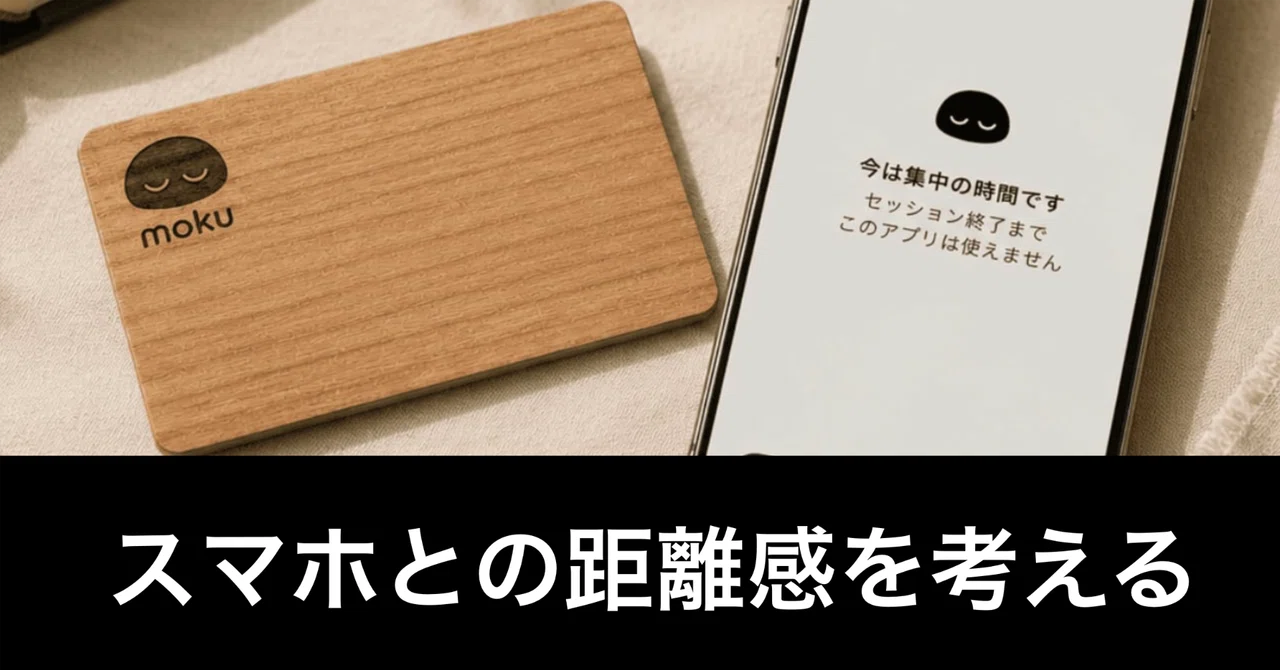
I set up an automation to launch moku, an app for controlling phone use.


4.6

It was only with the physical card that I really felt able to put my phone down!
I left the card by the front door and spent a day with just my social apps locked. I was surprised by how often I reached for them without thinking. Not wanting to walk to the door to unlock them was enough to stop me. I can really feel the difference a physical barrier makes.
I did not want work notifications on my days off. Locking those apps has helped me feel less stressed.
I love using the moku card to focus on reading. I still want to use my phone to look up unfamiliar words, and it is especially useful for that.
Time spent on your phone in a year
About39days
Based on Japan’s estimated average for ages 15–79: 153.9 minutes a day of personal internet use, multiplied by 365.
Source: Mobile Society Research Institute (2026)
moku blocks the apps you do not need, just for the time you want to focus.
The name moku comes from a Japanese character meaning silence.
More time to quietly get on with what you love.
That is what we are here for.
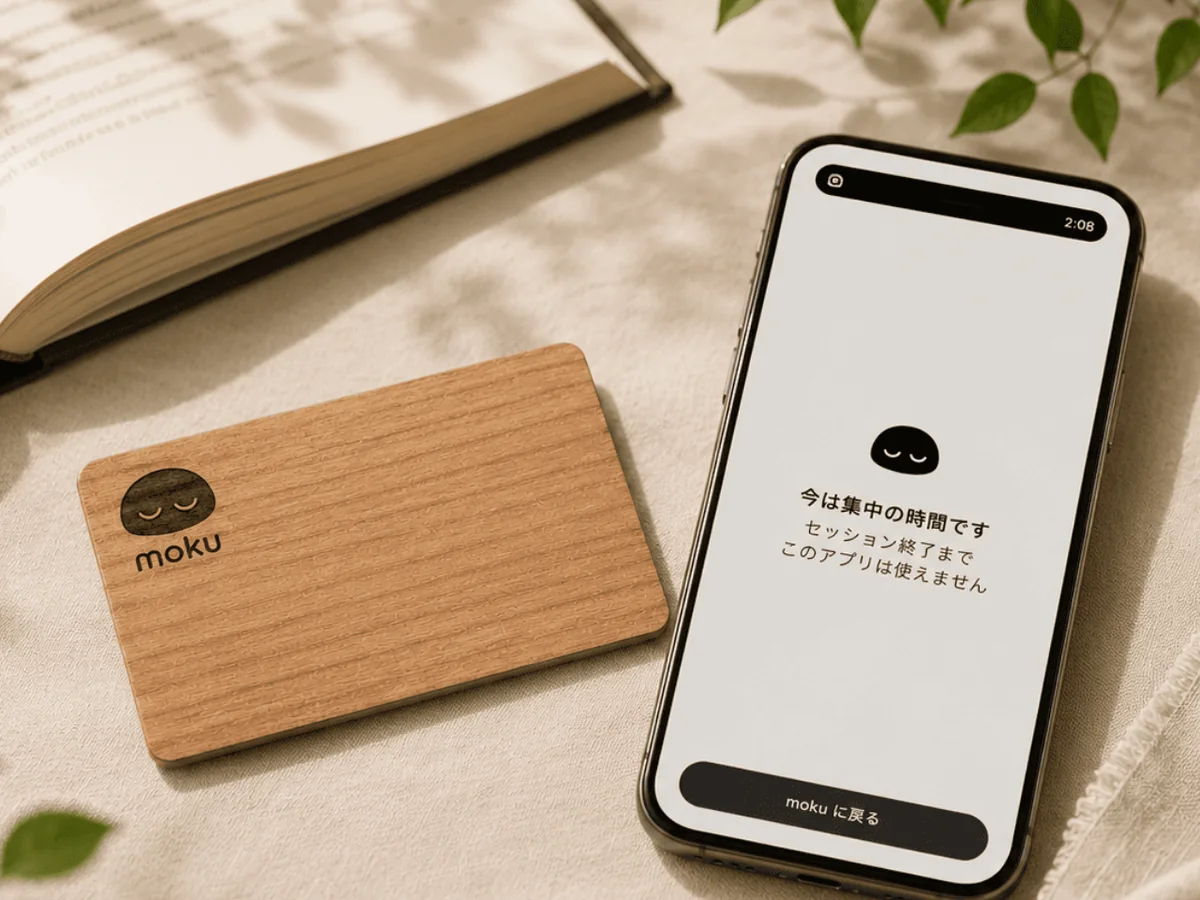
Download moku
for free